Stream Deck plugin · Microsoft Outlook

Your inbox, one keypress away.

Drag and drop 100 Outlook actions onto any Stream Deck — reply, archive, review later, accept meetings, flag, move. Press a key, it happens. Build the profile that fits how you work.

$25 USD · one-time · 100 actions · free v1.x updates

✓ No telemetry Windows 10 / 11 Microsoft Graph

Take the tour

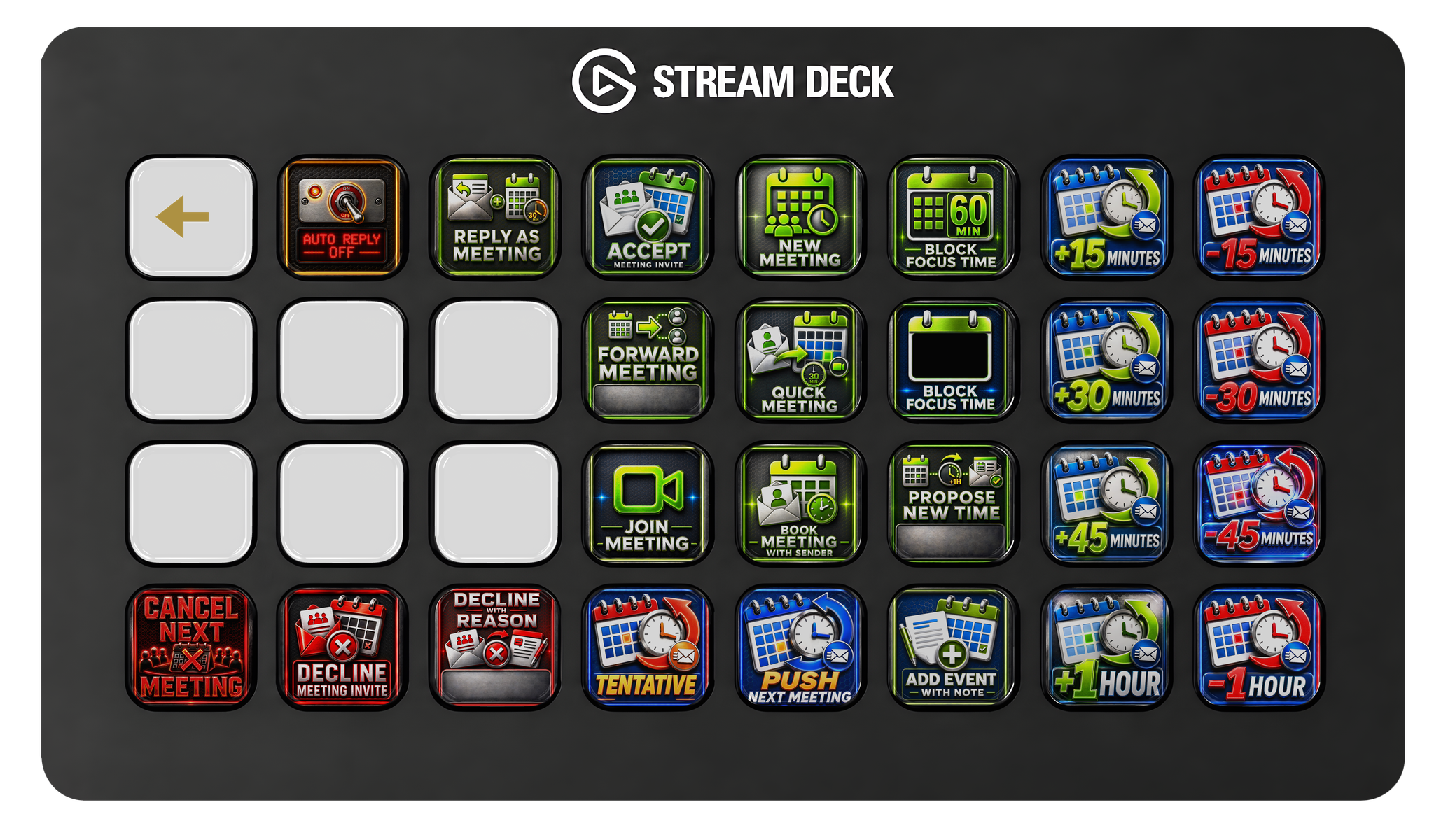
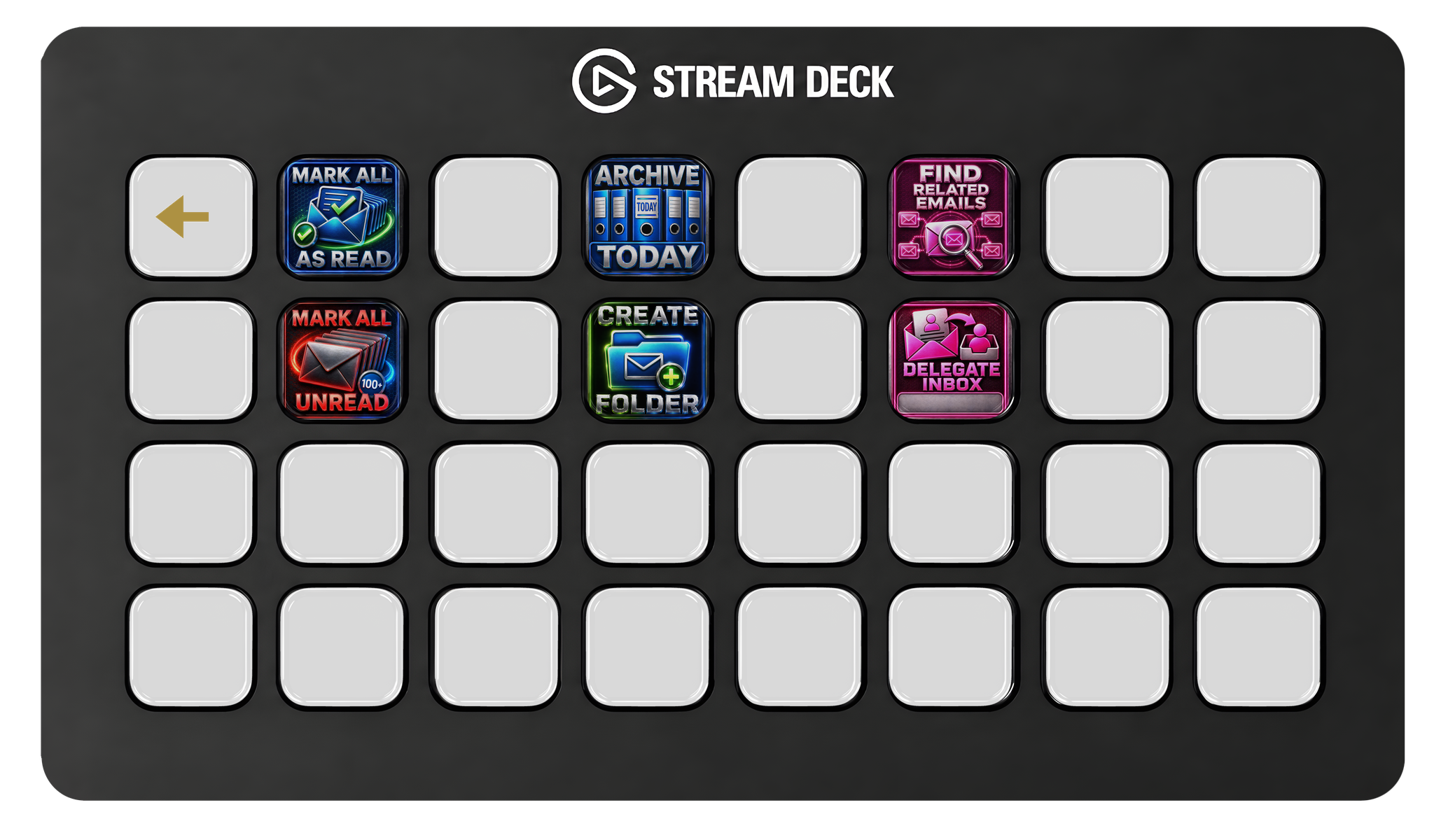
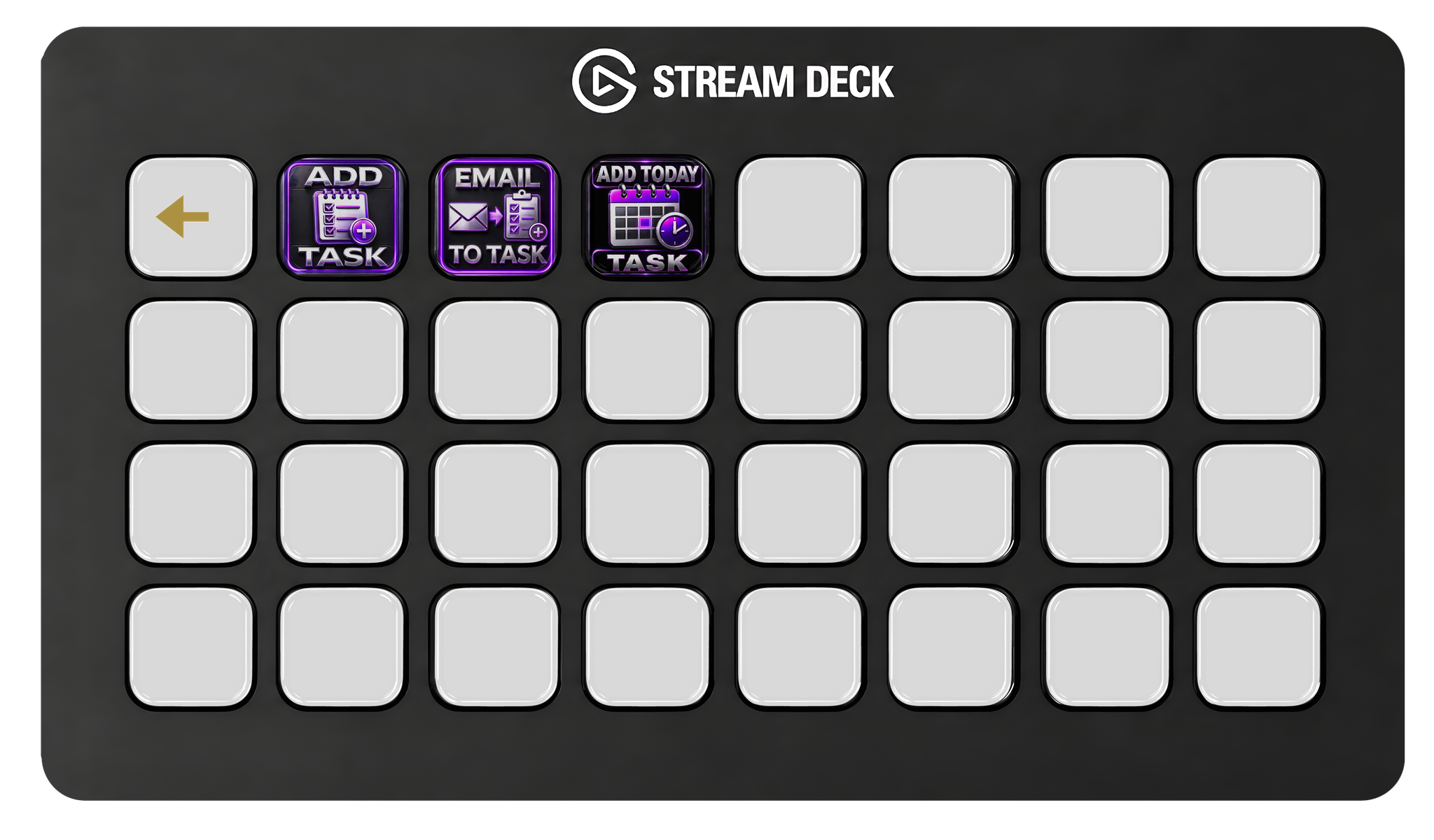
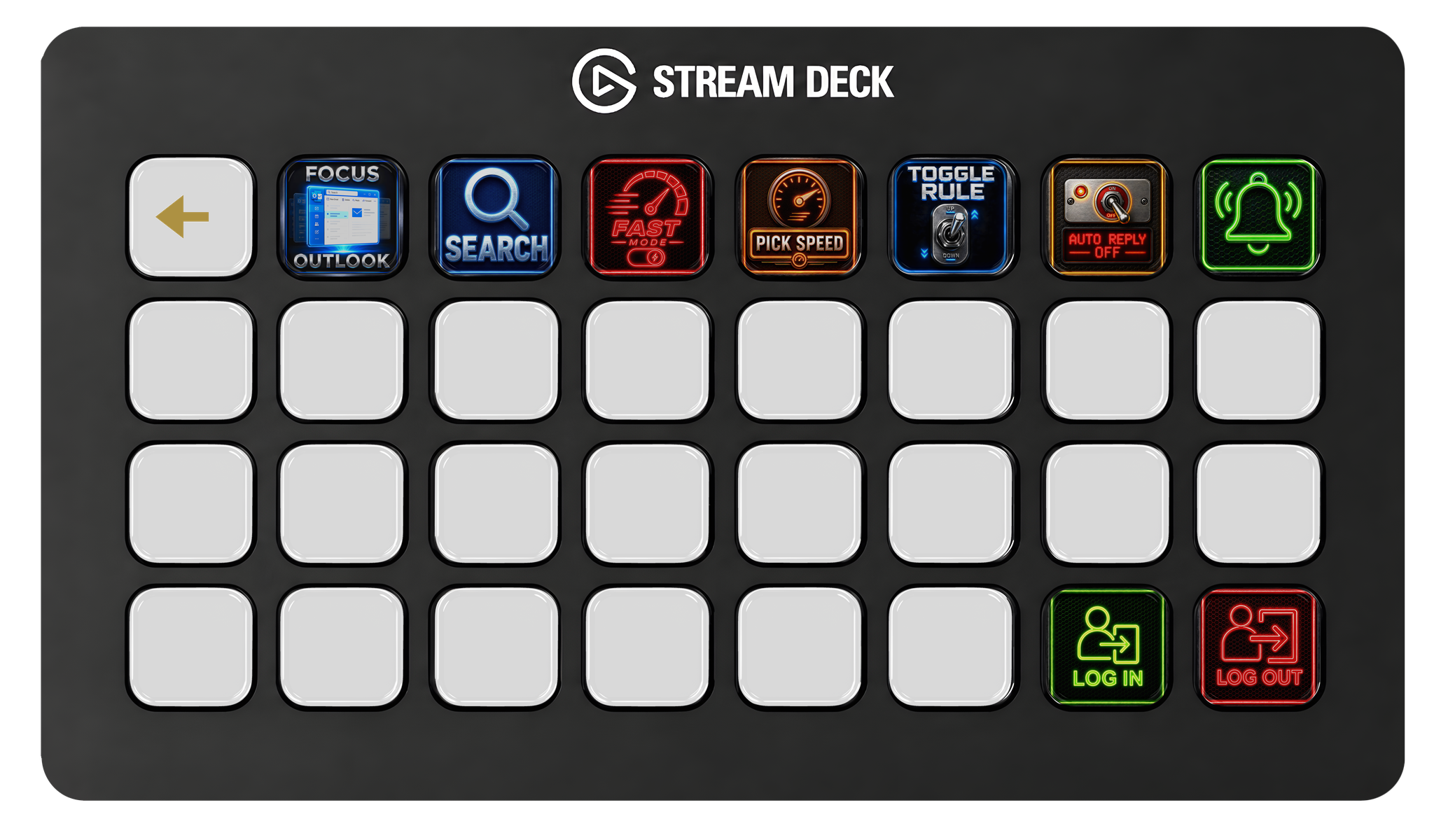
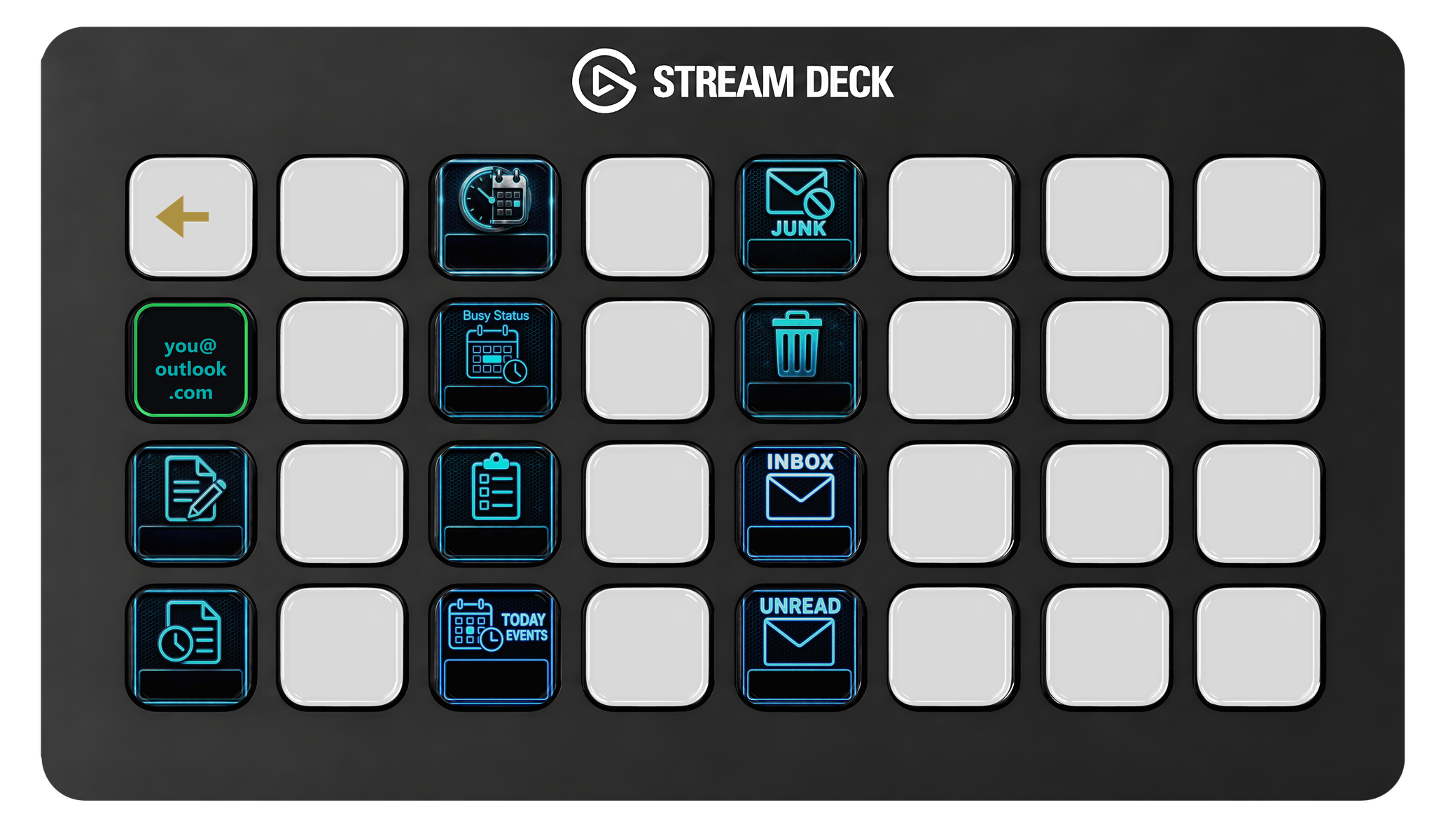
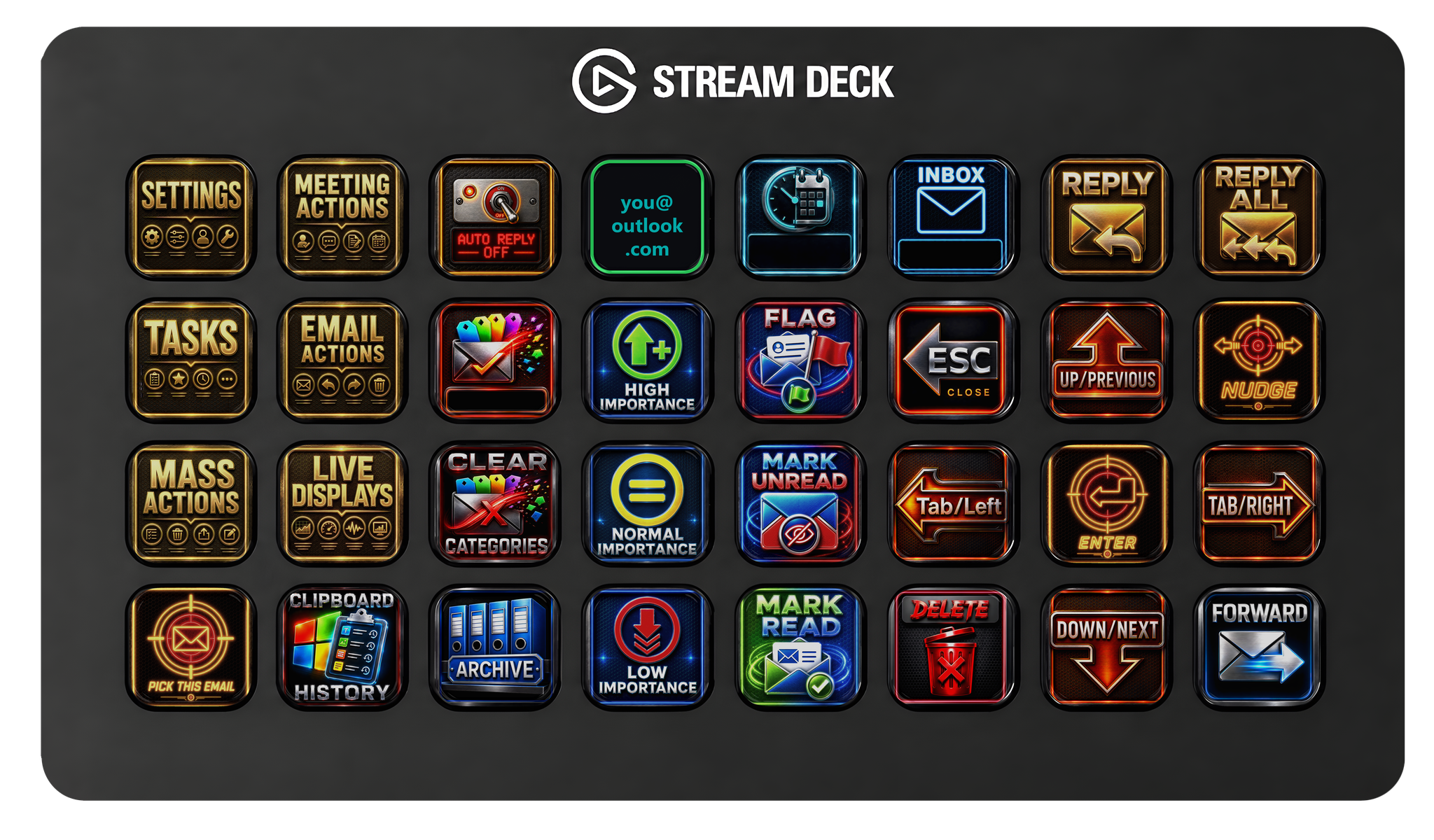
Mail Bender ships with a ready-made starter profile — here's the real thing on a Stream Deck XL, page by page. Flick through all seven. Import it and go, or rearrange every key to taste.
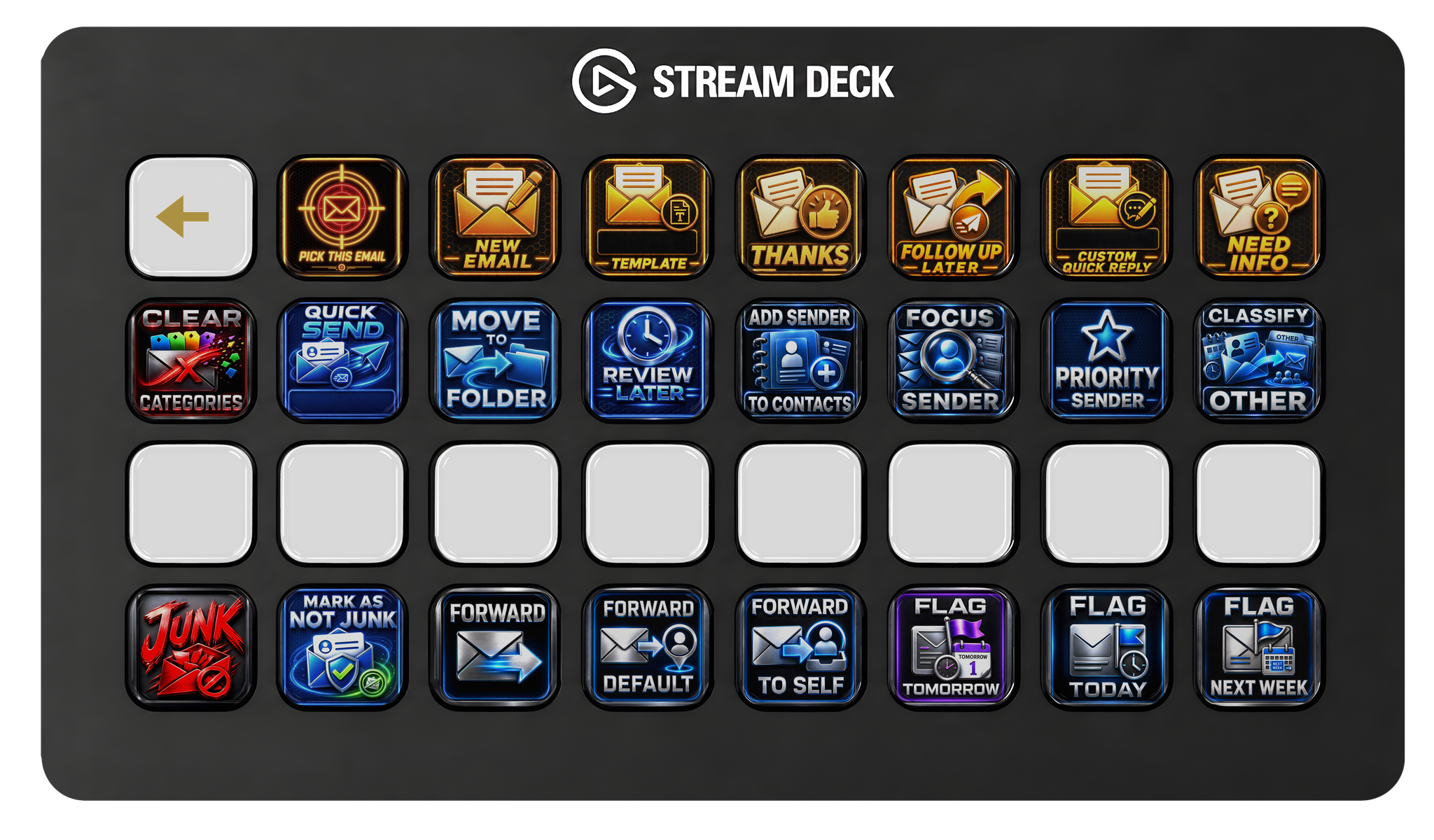
Works on any Stream Deck

The starter profile is built for the 32-key Stream Deck XL, but Mail Bender is just a set of actions — drop them on any deck with buttons. On the Stream Deck + you also get rotary-dial actions: spin a dial to walk your inbox, snooze, or reschedule.

Stream Deck XL · 32 keys · built for this Stream Deck + · 8 keys + 4 dials Stream Deck MK.2 · 15 keys Stream Deck Mini · 6 keys Stream Deck Pedal

Every action, every icon

100 purpose-built icons — one for every Outlook action you can drop on a key. Flick through each category below. They all come bundled; no add-ons, no extra packs.

365 needs a Microsoft 365 work/school plan ADV advanced / destructive — knows what it does

Mail

30

Read, file, flag, and organize messages.
Add Sender to Contacts icon
Add Sender to ContactsADV
Add to Priority List icon
Add to Priority List365
Archive icon
Archive
Archive Today (Bulk) icon
Archive Today (Bulk)
Categorize icon
Categorize
Classify Focused icon
Classify Focused365
Classify Other icon
Classify Other365
Clear Categories icon
Clear Categories
Create Folder icon
Create Folder
Delegate Inbox (Setup) icon
Delegate Inbox (Setup)
Find Related Emails icon
Find Related Emails
Flag icon
Flag
Flag for Next Week icon
Flag for Next Week
Flag for Today icon
Flag for Today
Flag for Tomorrow icon
Flag for Tomorrow
Forward to Default icon
Forward to Default
Forward to Self icon
Forward to Self
Mark All as Read icon
Mark All as ReadADV
Mark All Unread icon
Mark All UnreadADV
Mark as Not Junk icon
Mark as Not Junk
Mark Read icon
Mark Read
Mark Unread icon
Mark Unread
Move icon
Move
Quick Reply — Custom icon
Quick Reply — CustomADV
Quick Send icon
Quick SendADV
Review Later Dial icon
Review Later Dial
Set Importance High icon
Set Importance High
Set Importance Low icon
Set Importance Low
Set Importance Normal icon
Set Importance Normal
Toggle Rule icon
Toggle Rule365

Triage

11

Step through your inbox, jump around, and lock the email you're acting on.

Previous Email icon
Previous Email
Next Email icon
Next Email
Open/Close List icon
Open/Close List
Right Arrow icon
Right Arrow
Escape icon
Escape
Nudge icon
Nudge
Pick This Email icon
Pick This Email
Clipboard History icon
Clipboard History
Focus Outlook icon
Focus Outlook
Search icon
Search
Open in Own Window icon
Open in Own Window

Compose

8

Reply, forward, and send in one press.

Forward icon
Forward
New Email icon
New Email
New Email from Template icon
New Email from Template
Quick Reply — Follow Up icon
Quick Reply — Follow UpADV
Quick Reply — Need Info icon
Quick Reply — Need InfoADV
Quick Reply — Thanks icon
Quick Reply — ThanksADV
Reply icon
Reply
Reply All icon
Reply All

Calendar

21

Accept, decline, reschedule, and book meetings.
Accept Meeting icon
Accept Meeting
Add Event with Note icon
Add Event with Note
Block Focus Time icon
Block Focus Time365
Block Focus Time (Custom) icon
Block Focus Time (Custom)365
Book Meeting With Sender icon
Book Meeting With Sender
Forward Meeting icon
Forward Meeting
Join Teams Meeting icon
Join Teams Meeting365
New Meeting icon
New Meeting365
Propose New Time icon
Propose New Time
Quick Meeting (with sender) icon
Quick Meeting (with sender)365
Reply as Meeting icon
Reply as Meeting
Reschedule +1 hour icon
Reschedule +1 hour
Reschedule +15 min icon
Reschedule +15 min
Reschedule +30 min icon
Reschedule +30 min
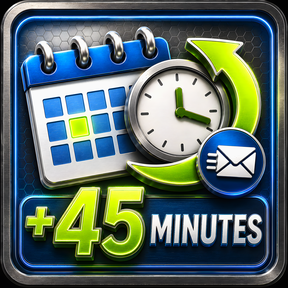
Reschedule +45 min icon
Reschedule +45 min
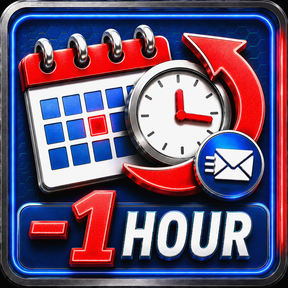
Reschedule -1 hour icon
Reschedule -1 hour
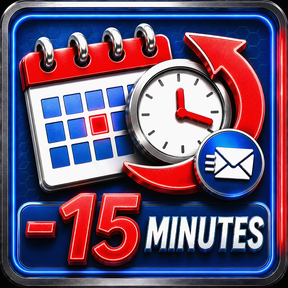
Reschedule -15 min icon
Reschedule -15 min
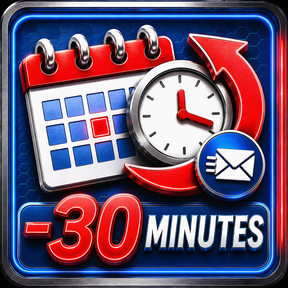
Reschedule -30 min icon
Reschedule -30 min
Reschedule -45 min icon
Reschedule -45 min
Reschedule Next Meeting icon
Reschedule Next Meeting
Tentative Meeting icon
Tentative Meeting

Tasks

3

Capture and manage Microsoft To-Do tasks.
Add Task icon
Add Task
Add Today Task icon
Add Today Task
Email to Task icon
Email to Task

Live Displays

13

Glanceable mailbox status — counts, next meeting, who you're signed in as.

Deleted Items Count (display) icon
Deleted Items Count (display)
Drafts Count (display) icon
Drafts Count (display)
Free/Busy Now (display) icon
Free/Busy Now (display)365
Inbox Total (display) icon
Inbox Total (display)
Junk Count (display) icon
Junk Count (display)
Next Meeting (display) icon
Next Meeting (display)
Pending Tasks (display) icon
Pending Tasks (display)
Review Later Count (display) icon
Review Later Count (display)
Signed In (Status) icon
Signed In (Status)
Signed Out (Status) icon
Signed Out (Status)
Today Events (display) icon
Today Events (display)
Unread Count (display) icon
Unread Count (display)
Whoami (display) icon
Whoami (display)

Settings

9

Sign in/out, auto-reply, toasts, and pick mode + speed — tune how Mail Bender behaves.
Auto Reply ON icon
Auto Reply ON
Auto Reply Toggle icon
Auto Reply Toggle
Sign In icon
Sign In
Sign Out of Microsoft icon
Sign Out of MicrosoftADV
Toggle Toasts (notifications on/off) icon
Toggle Toasts (notifications on/off)
Toggle Toasts (Off State) icon
Toggle Toasts (Off State)
Pick Speed icon
Pick Speed
Pick Mode icon
Pick Mode
Pick Mode (Normal State) icon
Pick Mode (Normal State)

Destructive

5

The ones that know exactly what they do — decline, delete, junk.
Cancel Meeting icon
Cancel MeetingADV
Decline Meeting icon
Decline Meeting
Decline with Message icon
Decline with Message
Delete icon
Delete
Mark as Junk icon
Mark as JunkADV

Make it yours in three drops

Mail Bender doesn't lock you into someone else's layout. It installs as a set of actions in your Stream Deck app — drag any action onto any key, on any Stream Deck with buttons, and arrange it however you like. Reply top-left, Archive bottom-right? Done. Mix it with your other plugins.

Open the action list

Mail Bender shows up in your Stream Deck app with every action, grouped by category.

Drag onto any key

Drop an action on the key you want. No config files, no scripting — just drag.

Press it

The key is live. Hit it and the Outlook action fires through Microsoft Graph.

What you can put on your keys

Mail

Triage at speed

Reply, Reply All, Forward, Archive, Delete, Move, Flag (today / tomorrow / next week), Review Later, Mark Read/Unread, Search.

Bulk

Inbox cleanup

Mark All Read, Archive Today, Empty Junk, Sweep From Sender, Block Sender, Make Rule, Ignore / Mute Conversation.

Calendar

Meetings in one tap

Accept, Decline, Tentative, Propose New Time, Reschedule, Forward as Meeting, Auto-Reply (out-of-office) on/off.

Tasks

To-Do without the mouse

Add Task, Add to My Day, turn any Email into a Task, Complete Task, switch lists.

Compose

Send faster

New Mail, New Mail from Template, one-tap Quick Replies (Thanks / Follow Up / Need Info), Schedule Send, Save Draft.

Live displays

State on your deck

Unread count, inbox total, pending tasks, next meeting, review-later count — your mailbox status, glanceable.

Under the hood

Actions
100 — mail, calendar, tasks, compose, live displays
Powered by
Microsoft Graph API* — changes sync instantly across Classic Outlook, New Outlook, OWA, and mobile
Accounts
Personal Microsoft accounts (outlook.com / hotmail.com / live.com) and Microsoft 365 work/school
Auth
OAuth 2.0 — no passwords stored. Tokens encrypted at rest with Windows DPAPI.
Privacy
No telemetry, no analytics. Nothing leaves your machine except direct calls to Microsoft.
Platform
Windows 10 / 11 · Stream Deck app 6.5+

Quick answers

Do I need Microsoft 365?

No — Mail Bender works with free personal Outlook.com / Hotmail accounts. About 13 actions need an M365 work/school subscription (Teams meetings, Focused Inbox, Find Meeting Time); those are labeled [365] in the action list.

Which Stream Deck do I need?

Any model with physical buttons — XL, the standard 15-key, the Mini, or the Pedal. You decide which actions go where.

Does it see my email?

Only the metadata each action needs (subject, sender, folder, flags). Nothing leaves your computer except direct Microsoft Graph calls — the same API Outlook itself uses. No telemetry. See the privacy notice.

Something not working?

Check Common Issues first — many quirks are Microsoft platform limitations with known workarounds. Still stuck? Contact support.

◆ Site disclaimer

Mail Bender's website hosts no malicious content and runs no advertising or tracking. The only commercial relationships are direct, paid sponsorships from other companies, and any such sponsorship is clearly disclosed. Every page and downloadable file on this site exists strictly for the Mail Bender app and any subsequent versions, additions, or companion software. Nothing here is affiliated with or endorsed by Microsoft or Elgato beyond standard platform integration.

*Some actions may be delayed by Microsoft's servers — nothing the plugin can control.